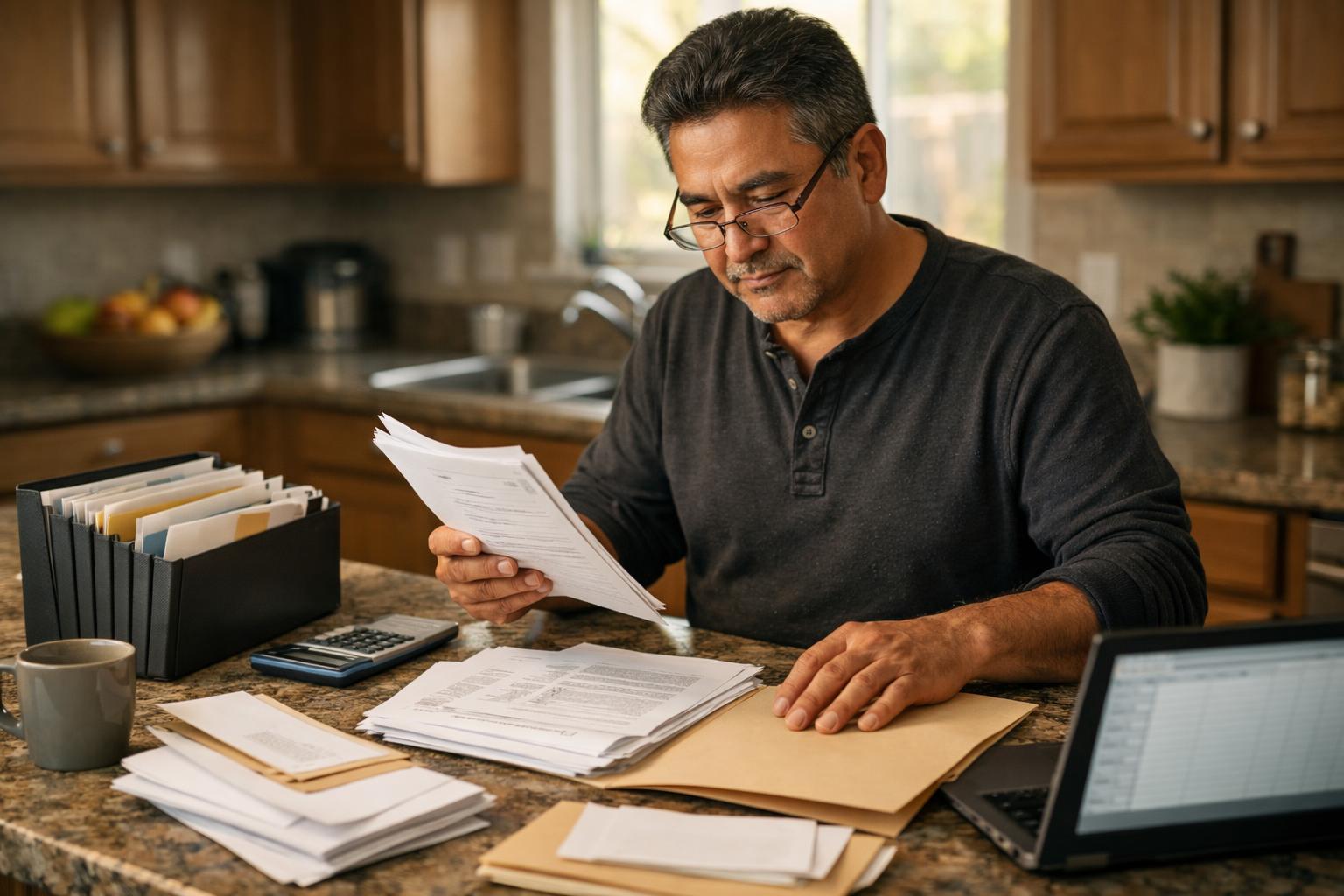
Responding to a CP2000 notice is largely a paperwork exercise, and knowing exactly which documents to gather before you start can make the process significantly more straightforward.
The IRS sends CP2000 notices when information reported by third parties, such as employers, banks, or brokerages, does not match what appeared on your tax return. Your response needs to either confirm that the proposed change is correct or provide documentation showing why your original figures were accurate. Either way, having the right records on hand before you begin drafting your response saves time and reduces the chance of follow-up delays.
Start With the Notice Itself
Before gathering anything else, read through your CP2000 notice carefully. The notice identifies the specific tax year in question, the income items or deductions that triggered the mismatch, and the changes the IRS is proposing. Every document you collect should relate directly to those specific items. There is no need to gather unrelated records at this stage.
Keep the original notice accessible throughout the process. You will need the notice ID number and the response deadline when preparing your reply. The IRS typically provides 60 days to respond, and the deadline is printed on the notice.
Your Original Tax Return and Supporting Schedules
Pull a complete copy of the tax return for the year listed on the notice. This includes all schedules filed with it, such as Schedule B for interest and dividends, Schedule D for capital gains, Schedule C for self-employment income, and any other schedules relevant to your situation.
If you filed through tax software, you can usually download a PDF copy from your account. If you used a tax professional, they should have a copy on file. The IRS also offers a free transcript service through IRS.gov that provides a summary of what was submitted, which can be useful if you no longer have your original documents.
Income Statements That Match the IRS Data
The CP2000 is driven by information returns filed with the IRS by third parties. Locating your own copies of those same documents allows you to compare figures directly. Common income statements to gather include:
- W-2 forms from all employers for that tax year
- 1099-NEC or 1099-MISC forms for freelance or contract work
- 1099-INT forms for bank interest
- 1099-DIV forms for dividends
- 1099-B forms for proceeds from the sale of securities or property
- 1099-R forms for distributions from retirement accounts or pensions
- SSA-1099 if Social Security benefits were received
- 1095-A if coverage was purchased through a health insurance marketplace
If you cannot locate a particular form, contact the issuing institution and request a duplicate. Most financial institutions can provide copies of prior-year tax documents through online portals or by direct request.
Cost Basis Records for Investment Sales
One common reason a CP2000 notice is issued is that investment sales were reported by a brokerage but the cost basis was either not reported or not included on the original return. If the notice involves 1099-B income, you will need records establishing what you originally paid for the assets that were sold.
Relevant records might include original purchase confirmations, brokerage account statements showing acquisition dates and prices, or records of reinvested dividends that adjusted your cost basis over time. If the assets were inherited, you may need documentation of the fair market value at the date of the original owner’s death – check here for probate assistance.
Clear cost basis documentation allows you to demonstrate to the IRS that while a sale did occur, the taxable gain was lower than the gross proceeds figure shown on the 1099-B.
Records Supporting Deductions or Credits in Question
If the notice relates to a deduction or credit the IRS is proposing to adjust, gather records that support the original figures you claimed. The specific documents will depend on what was questioned, but common examples include:
- Student loan interest statements (Form 1098-E) if education deductions are involved
- Mortgage interest statements (Form 1098) for home-related deductions
- Charitable contribution receipts or acknowledgment letters
- Records of business expenses if Schedule C deductions are in question
- Health insurance premium statements if a self-employed health insurance deduction was claimed
- Documentation of estimated tax payments if there is a discrepancy in payments or credits
Prior Correspondence With the IRS
If you have received other IRS notices related to the same tax year, include copies of those in your file as well. Sometimes a CP2000 arrives after a separate inquiry or after an amended return was filed, and having that history organized helps avoid confusion when preparing your response.
If you already filed an amended return (Form 1040-X) for the year in question, attach a copy to your CP2000 response and reference it clearly so the IRS can connect the two items.
Organizing Your Documents Before You Respond
Once you have gathered everything, organize your documents by the specific line items or issues listed in the CP2000 notice. Group supporting records together so that each disputed item is clearly addressed. Label or annotate copies as needed to make it easy for a reviewer to follow your reasoning.
When you submit your response, send copies rather than originals. Using certified mail with return receipt provides proof of the submission date, which is particularly important if you are responding close to the deadline.
A well-organized response supported by clear documentation is typically processed more efficiently than one that requires follow-up requests. Taking the time to build a complete file before you respond puts you in the best position to reach a straightforward resolution.
Return to hub:
Browse more CP2000 response guides in this section.
Disclaimer: The information provided on this website is for general informational purposes only and does not constitute legal or tax advice. CP2000Response.com is not affiliated with the IRS, any law firm, or government agency.