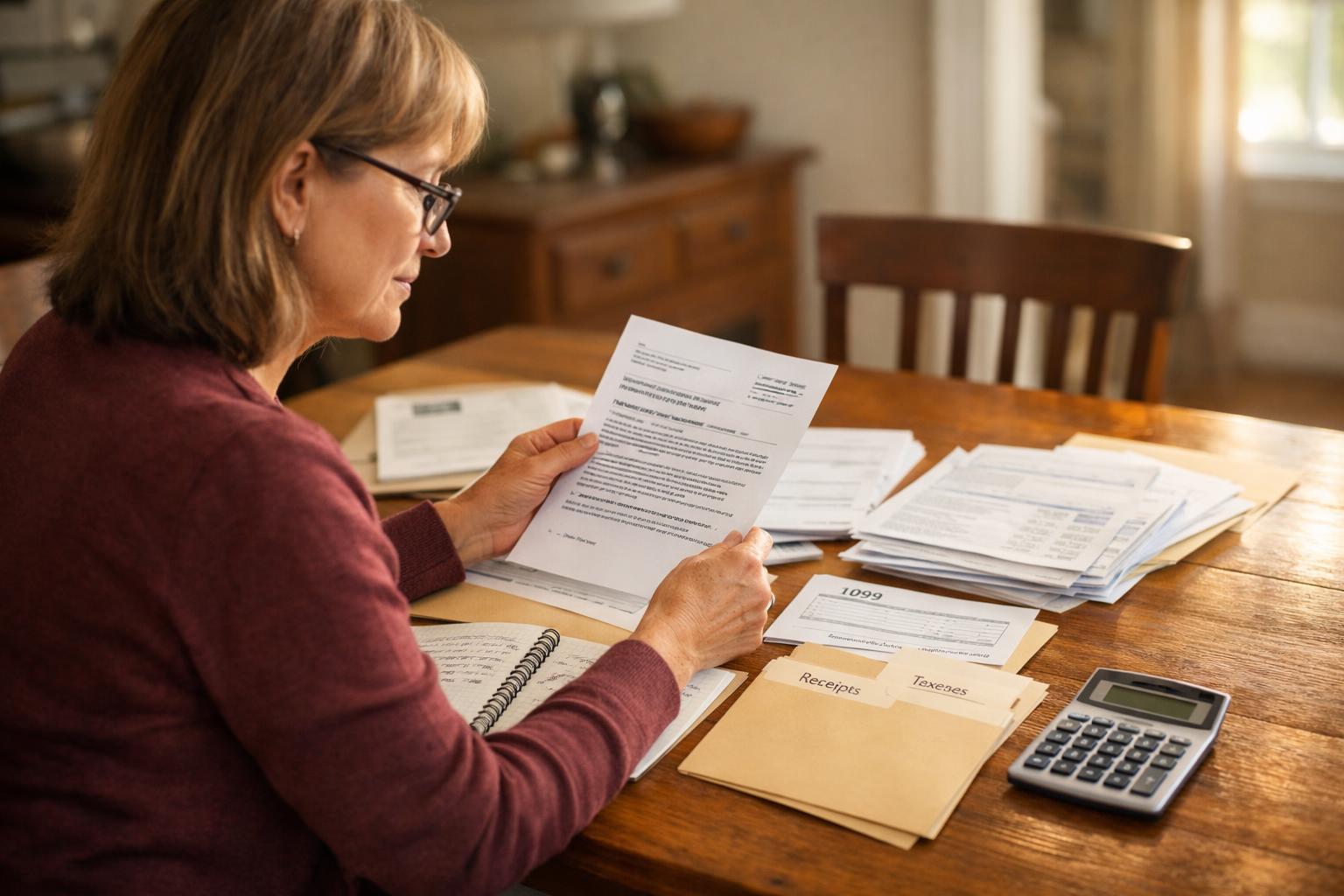
When the IRS sends a CP2000 notice related to self-employment income, pulling together the right supporting documents is one of the most practical steps you can take in preparing your response.
Self-employment situations tend to involve more moving parts than a standard W-2 discrepancy. Income may come from multiple clients, payments may arrive through different channels, and deductions are often tied to business activities that require their own paper trail. Understanding which documents are relevant to your specific notice can help you build a clear and organized response.
Why Self-Employment CP2000 Notices Often Involve More Documentation
The IRS issues CP2000 notices when income reported on your tax return does not match information received from third parties, such as 1099-NEC or 1099-K forms submitted by clients or payment processors. For self-employed individuals, this mismatch can happen for several reasons. Income may have already been included on your return but reported differently by the payer, or legitimate deductions may have reduced your net income in a way the IRS automated matching system did not account for.
Because self-employment income flows directly onto Schedule C, and because Schedule C also captures business expenses, your documentation may need to address both the income side and the expense side of the equation. A response that addresses only one or the other may leave the IRS with an incomplete picture.
Your Schedule C and Original Tax Return
Start with a clean copy of the Schedule C you filed with your original return. This document shows the gross income you reported, the deductions you claimed, and the net profit or loss that carried to your Form 1040. Having this on hand allows you to compare what you reported against what the IRS is identifying as unreported income.
Include a copy of your full Form 1040 as well. The CP2000 notice will reference specific line items, and being able to match those lines to your actual return is useful both for your own review and for anyone helping you prepare the response.
1099 Forms You Received
Collect all 1099-NEC, 1099-K, and 1099-MISC forms you received for the tax year in question. The IRS receives copies of these from payers, and the discrepancy identified in a CP2000 notice typically traces back to one or more of these forms. Confirm whether each 1099 was already reflected in the gross income reported on your Schedule C.
If a 1099 amount differs from what you reported due to timing, returned payments, or refunds, that difference is worth documenting clearly. A brief written explanation paired with the relevant 1099 can help clarify the situation for the IRS reviewer.
Bank Statements and Deposit Records
Bank statements covering the tax year can serve as a useful cross-reference when the IRS is questioning whether certain income was reported. If your business deposits align with the gross income you reported on Schedule C, those records can support your position.
This is especially relevant if you received payments through platforms like PayPal, Venmo for Business, or Stripe, which may have issued a 1099-K. Payment processor statements that break down transaction history, fees, and refunds can help explain differences between the gross amount shown on a 1099-K and the net amount you received and reported.
Records Supporting Business Deductions
If your CP2000 response involves explaining that your net income was lower than the gross figure the IRS is referencing, you may need to provide documentation for the deductions claimed on your Schedule C. This does not mean submitting every receipt you have. Focus on the deductions most directly relevant to the income amounts being questioned.
Useful records in this category can include:
- Receipts or invoices for business expenses claimed on Schedule C
- Mileage logs if vehicle deductions were claimed
- Records of home office expenses, including square footage calculations and utility bills
- Proof of payment for subcontractors or outside services you paid and deducted
- Statements showing business-related software, subscriptions, or equipment purchases
Organized, targeted records are more useful than a large disorganized packet. Include what is relevant and let the documents speak clearly.
Self-Employment Tax Calculations
Schedule SE is the form used to calculate self-employment tax, which covers Social Security and Medicare contributions for self-employed individuals. If the IRS is proposing changes to your net self-employment income, those changes would also affect your Schedule SE calculation. Including your original Schedule SE with your response helps show how your tax liability was determined and provides useful context if you are disputing the proposed adjustment.
Written Explanation of Your Position
Most CP2000 responses benefit from a written explanation attached to the response form. For self-employment situations, this explanation might address why certain 1099 amounts were already included in your reported income, why gross receipts differ from 1099-K totals due to fees or refunds, or how your Schedule C deductions affected the net taxable figure.
Keep the explanation factual and to the point. Reference specific line numbers or dollar amounts where possible, and connect each point back to a document you are including. This makes it easier for the IRS reviewer to follow your reasoning without having to piece things together independently.
How to Organize What You Send
When assembling your response package, consider organizing it in a logical order that mirrors the structure of your tax return. A brief cover page or index listing what you have included can be helpful, particularly if you are submitting multiple forms and statements.
Send copies rather than originals, and keep a complete set of everything you submit along with a record of when and how you sent it. If mailing, certified mail with return receipt requested provides proof of delivery.
The CP2000 notice will specify a response deadline. Responding within that window is important, and organizing your documents in advance gives you time to review everything carefully before sending.
Return to hub:
Browse more CP2000 response guides in this section.
Disclaimer: The information provided on this website is for general informational purposes only and does not constitute legal or tax advice. CP2000Response.com is not affiliated with the IRS, any law firm, or government agency.