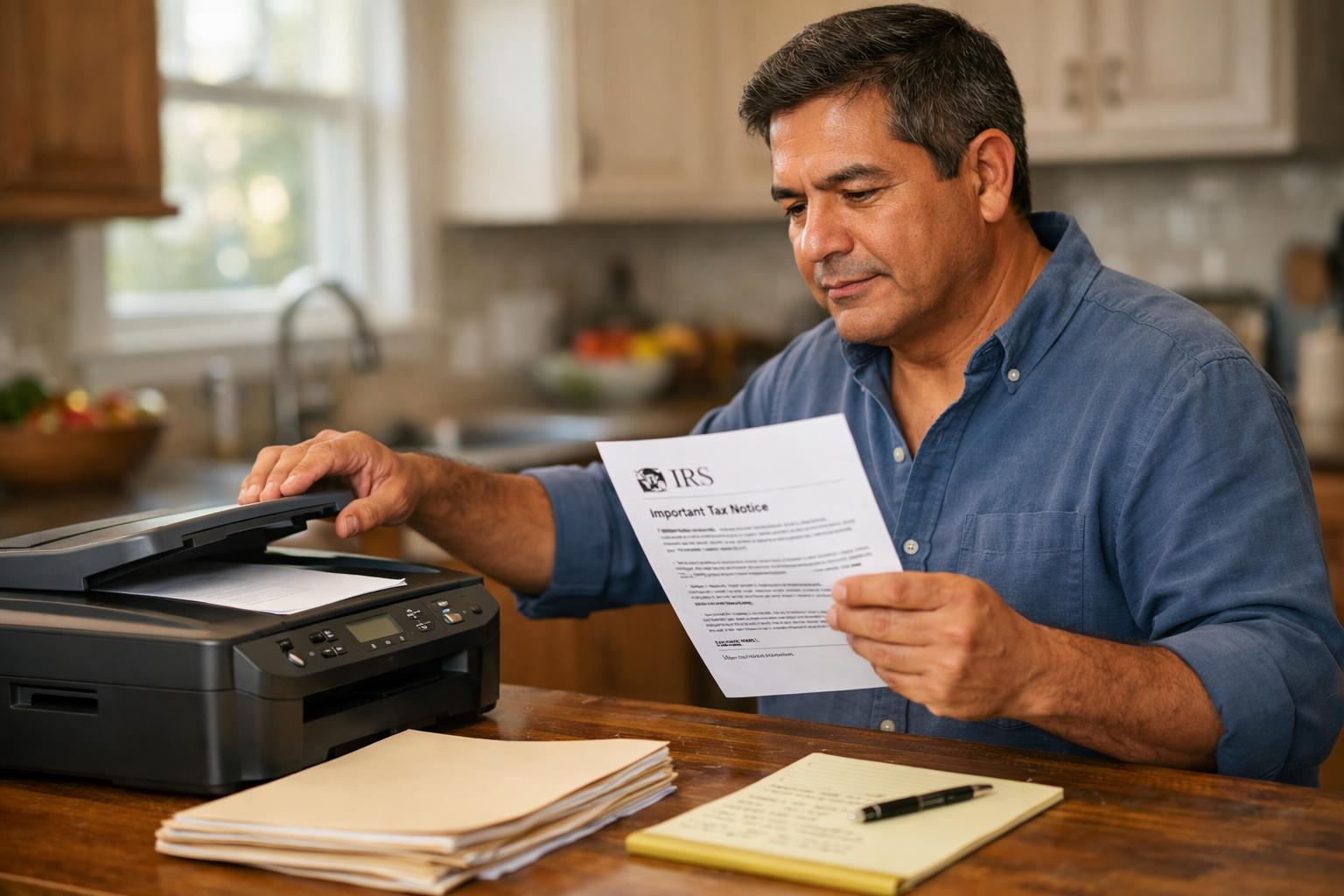
When the deadline on a CP2000 notice is approaching, knowing whether you can fax your response documents to the IRS can make a significant difference in how quickly and reliably your reply gets there.
Faxing is one of the submission methods the IRS accepts for CP2000 responses, but it comes with specific requirements and practical considerations worth understanding before you send anything. This article explains how faxing works in the context of a CP2000 response, what to include, and how it compares to mailing your documents.
Does the IRS Accept Faxed CP2000 Responses?
Yes, the IRS generally accepts faxed responses to CP2000 notices. The fax number you should use is printed directly on your CP2000 notice, typically on the first or second page on the top left. The IRS operates multiple fax lines for different departments, so using the number on your specific notice helps ensure your documents reach the unit handling your case.
The following are the seven fax numbers the IRS has designated for CP2000 responses – the number of your notice should be one of these:
- Andover, MA – 877-477-9485
- Atlanta, GA – 877-477-0967
- Austin, TX – 877-477-0583
- Holtsville, NY – 877-477-9599
- Fresno, CA – 877-477-0962
- Ogden, UT – 877-477-9640
- Philadelphia, PA – 877-477-9602
Do not use other general IRS fax numbers found online. Always use the number printed on your notice. If that number is unclear or the notice has been damaged, call the IRS at the phone number listed on the notice to confirm where your fax should be sent.
What to Include When You Fax Your Response
A faxed CP2000 response should include the same core documents you would send by mail. Because IRS staff need to match your fax to your account, a cover sheet with identifying information is essential.
- Your name, address, and Social Security number (or ITIN)
- The tax year referenced on the notice
- The notice number printed on the CP2000
- The completed response form included with the notice
- Any supporting documentation, such as 1099s, brokerage statements, or records explaining the discrepancy
- A signed statement if you are disputing the IRS position or providing an explanation
Organize your fax clearly. Place the cover sheet first, followed by the response form, then any supporting documents in a logical order. A well-organized submission helps IRS staff process your response efficiently.
How Faxing Compares to Mailing
Both faxing and certified mail are commonly used submission methods for CP2000 responses, and each has distinct trade-offs.
Faxing is faster in terms of transmission. Your documents arrive almost immediately, which matters when you are working close to a deadline. However, a fax confirmation sheet only confirms that the transmission reached the fax machine. It does not confirm that the IRS has processed or reviewed your documents.
Mailing by certified mail with return receipt provides a paper trail that includes delivery confirmation and a signature record. This can be useful if there is ever a question about whether the IRS received your response on time. The trade-off is that mail delivery takes several days, and IRS mail processing may add additional time before your documents are reviewed.
Some taxpayers choose to both fax and mail their response, keeping copies of everything for their own records. This is not required, but it is a reasonable approach when the deadline is tight or the proposed changes are significant.
Confirmation and Record-Keeping After Faxing
Once you send your fax, print or save the confirmation page your fax machine or service generates. This page should show the date and time of transmission, the number you dialed, and the number of pages sent. Keep this record alongside copies of everything you faxed.
It is also worth retaining a full copy of the CP2000 notice itself, your completed response form, and all supporting documents. If the IRS sends a follow-up notice or does not appear to have your response on file, this documentation makes it easier to explain what was submitted and when.
If you used an online fax service, download and save the transmission report as a PDF. Some platforms purge records after a certain period, so saving a local copy is a practical precaution.
Using Online Fax Services
Physical fax machines are far less common than they once were, and most people now send faxes through online services. The IRS accepts faxes sent from these platforms the same way it accepts faxes from traditional machines.
When using an online fax service, verify how the platform formats fax numbers. Some services require a specific format, such as including a country code before the number. Confirm this before sending to make sure your documents reach the correct IRS fax line.
File size and page limits can also vary by service. If you have a large volume of supporting documents, confirm that your chosen platform can handle the full transmission in a single send, or check whether splitting the fax into multiple transmissions is acceptable.
What Happens After the IRS Receives Your Fax
The IRS does not typically send an immediate acknowledgment when a faxed CP2000 response is received. Processing times vary, and several weeks may pass before you receive any written follow-up.
If the response deadline passes before the IRS replies, that does not necessarily mean your response was missed. CP2000 cases are processed in volume, and IRS response times can extend beyond the initial deadline window. That said, if you receive a statutory notice of deficiency or another escalation notice before hearing back, follow up with the IRS promptly, as those notices carry their own deadlines and procedural consequences.
You can call the IRS at the number on your CP2000 notice to ask about the status of your response, though wait times can be long. Having your fax confirmation details and notice number ready will help the representative locate your case more efficiently.
Timing Your Fax Relative to the Deadline
The CP2000 notice includes a response deadline, typically 60 days from the date printed on the notice. Faxing before this deadline is generally acceptable as long as your transmission completes successfully in time.
Sending your fax during normal business hours is advisable when possible, and avoiding the final day reduces risk. Technical issues, busy fax lines, and service outages can occur, so building in even a day or two of buffer helps protect against last-minute problems.
Return to hub:
Browse more CP2000 response guides in this section.
Disclaimer: The information provided on this website is for general informational purposes only and does not constitute legal or tax advice. CP2000Response.com is not affiliated with the IRS, any law firm, or government agency.