Getting your CP2000 response in the mail requires more than just signing a letter and dropping it in a mailbox.
There are specific documents to include, formatting considerations to follow, and mailing methods that can affect how your response is received and processed by the IRS. This checklist is designed to help you work through the physical mailing process in an organized way, so nothing important is left out before your envelope leaves your hands.
Why the Mailing Step Deserves Careful Attention
Most of the focus during a CP2000 response tends to land on the substance of the reply itself: whether you agree or disagree, what documentation supports your position, and how to explain any discrepancies. The mailing step can feel like an afterthought by comparison. In practice, though, an incomplete or misdirected submission can cause delays, require follow-up correspondence, or create confusion about what was actually sent.
The IRS processes a high volume of mail, and your response needs to arrive intact, clearly organized, and connected to the right notice. Taking a few extra minutes to review your envelope before sealing it is a simple way to avoid unnecessary back-and-forth.
Items to Include in Your Envelope
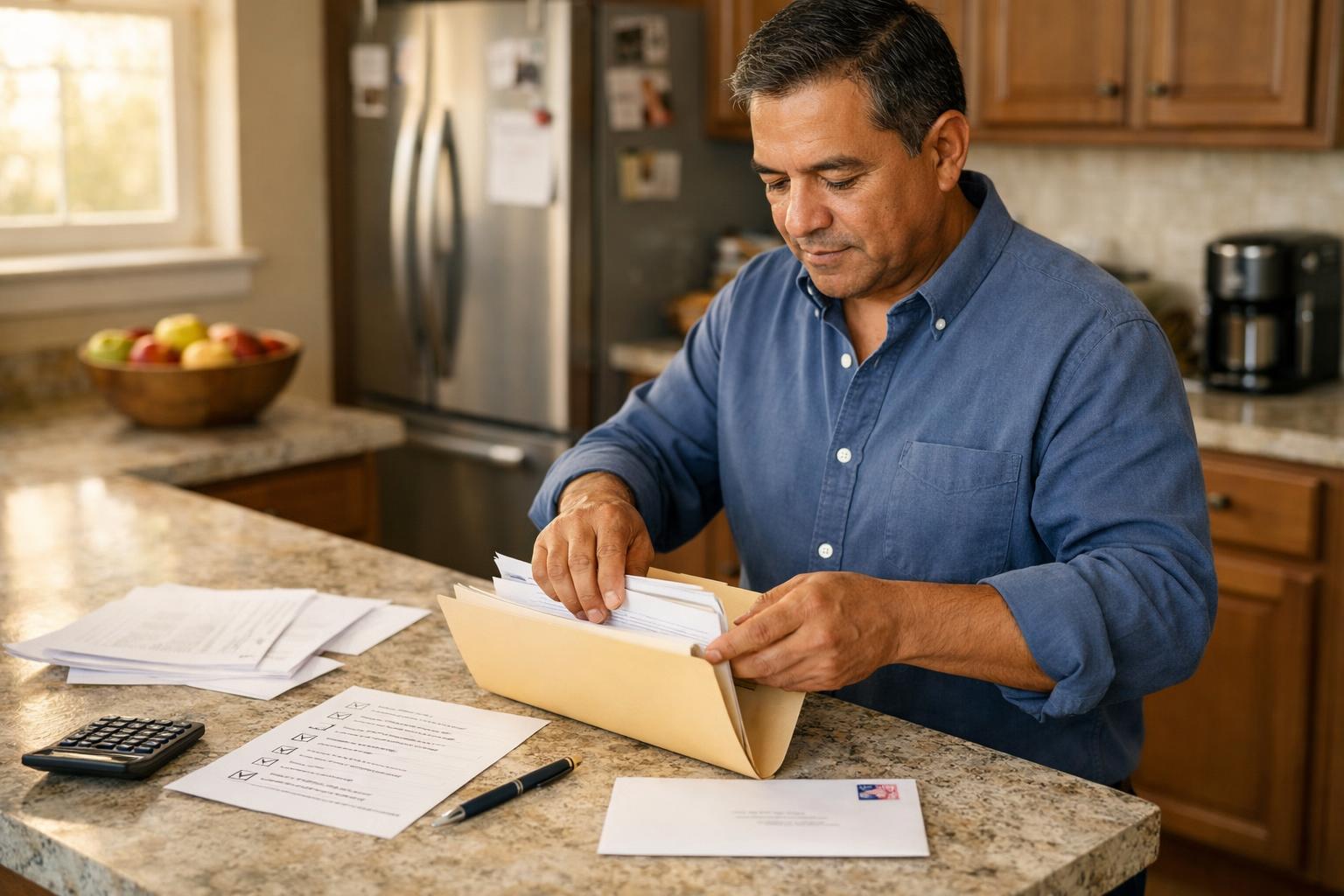
Before sealing anything, confirm that each of the following is physically present in your mailing package.
- The completed CP2000 response form (the bottom portion of the notice, if you are using the IRS’s tear-off section, or a clearly formatted written response)
- Your signed and dated cover letter or response statement
- Copies of supporting documents relevant to your position, such as 1099 forms, W-2s, brokerage statements, or other records that address the discrepancy
- Any IRS worksheets or calculation pages included with your notice, if you completed or annotated them
- A copy of the original CP2000 notice, which helps IRS processors connect your response to the correct account and tax year
Do not send original documents. Send copies only. Keep the originals in your own records along with a complete copy of everything you are mailing.
Confirming Your Response Is Signed
An unsigned response is one of the more common reasons a CP2000 reply is returned or delayed. If you are responding on your own behalf, your signature needs to appear on the response form or cover letter. If you are responding for a jointly filed return, both spouses generally need to sign.
If a tax professional is submitting the response on your behalf, they may sign using an authorized power of attorney. In that case, a copy of the authorization documentation should be included with the mailing as well.
Where to Send Your Response
The correct mailing address for your CP2000 response is printed on the notice itself. This address can vary depending on where you live and which IRS campus is handling your case. Do not use a general IRS mailing address from an online search unless you have confirmed it matches the address on your specific notice.
Use the address exactly as it appears on the notice. If the notice provides both a street address and a P.O. Box, follow any specific instructions on the notice when choosing between them.
Choosing a Mailing Method
How you send your response matters. First-class mail through the U.S. Postal Service is acceptable, but many people choose a method that provides delivery confirmation or a tracked receipt. Common options include:
- USPS Certified Mail with Return Receipt, which provides proof of mailing and confirmation of delivery
- USPS Priority Mail with tracking, which offers delivery confirmation and a record of the mailing date
- Private carrier services such as FedEx or UPS, which provide tracking and delivery confirmation
The date of mailing can matter if you are close to your response deadline. A certified mail receipt or carrier tracking record documents when you submitted your response, which can be useful if any questions arise later about timeliness.
Preparing Your Envelope
Use a standard business envelope or a flat mailing envelope large enough to hold your documents without folding them extensively. Heavily creased documents can create scanning issues on the IRS end, particularly if your supporting documents include statements with small print or detailed figures.
Write your return address clearly in the top-left corner and the IRS mailing address from your notice in the center of the envelope. Double-check the ZIP code, since some IRS campus addresses have specific ZIP code extensions that are easy to misread.
Keeping a Complete Copy for Your Records
Before sealing the envelope, make a full copy of everything inside it. This includes the response form, your cover letter, all supporting documents, and the original notice. Store this set of copies in a secure location.
If the IRS follows up with additional questions or sends a subsequent notice, having an organized record of exactly what you submitted makes it significantly easier to respond accurately. You may also need to reference your submission date or specific documents months after the original mailing, and a complete file makes that straightforward.
Checking Your Response Deadline
The CP2000 notice includes a response due date, typically printed near the top of the notice. Verify that date before mailing. If your deadline is approaching, prioritize getting your response in the mail using a tracked method so you have a clear record of the submission date.
If you have already missed a deadline or need more time to gather documentation, contact the IRS directly to discuss your options. The mailing checklist here applies to situations where a completed response is ready to send.
A Final Check Before You Seal the Envelope
Run through this short confirmation before closing your envelope:
- All documents are copies, not originals
- The response form or letter is signed and dated
- The correct IRS address from your notice appears on the envelope
- You have a full copy of everything inside stored in your records
- You are using a mailing method that provides a date stamp or tracking confirmation
A careful final review takes only a few minutes and provides a clear record that your response was submitted completely and correctly.
Return to hub:
Browse more CP2000 response guides in this section.
Disclaimer: The information provided on this website is for general informational purposes only and does not constitute legal or tax advice. CP2000Response.com is not affiliated with the IRS, any law firm, or government agency.